
How to Fix a Torn Photo (Rip, Crease or Missing Corner)
Torn family photos can be reconstructed with AI. A complete guide to repairing rips, creases and missing pieces without Photoshop skills.
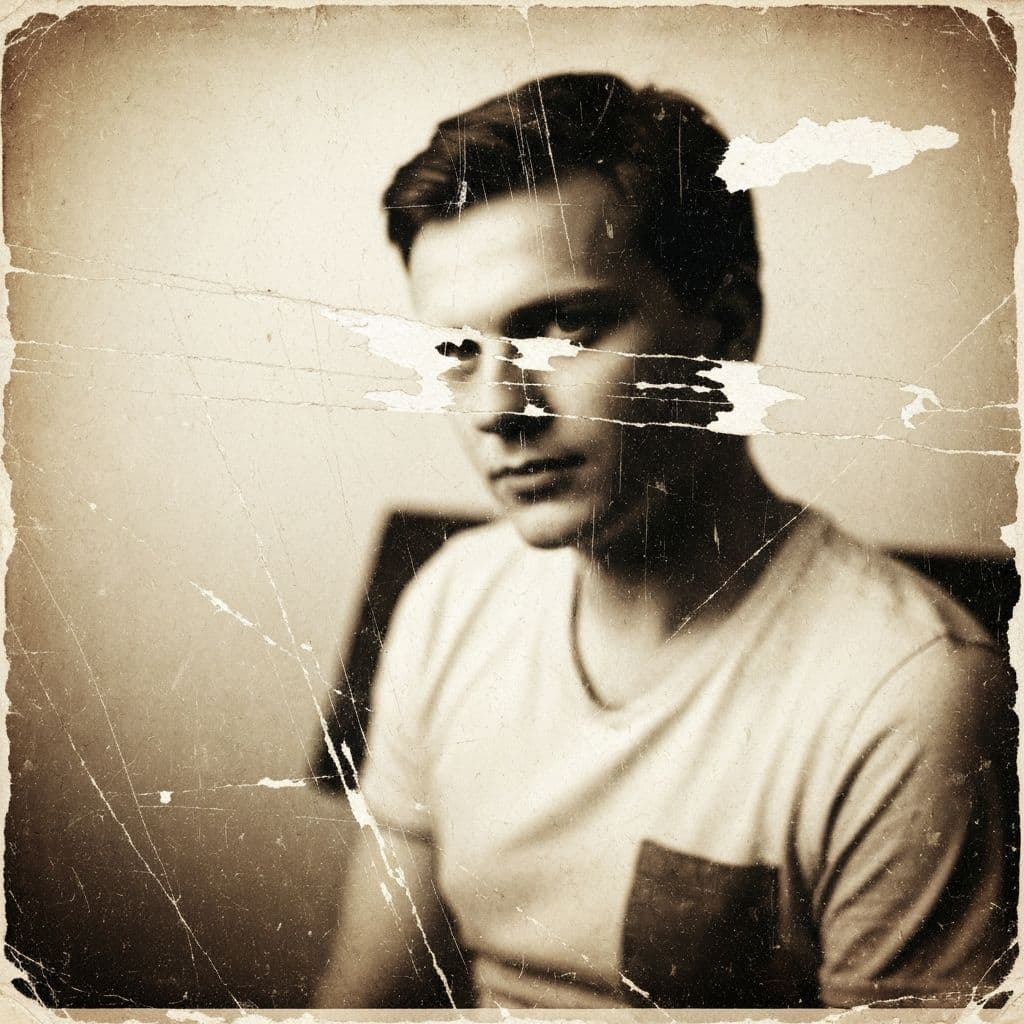
A Torn Photo Isn't a Lost Photo
Rips, tears, creases, and missing corners are among the most common damage types in family archives. The good news: modern AI can reconstruct torn photos to near-original quality as long as you still have all the pieces (or even if you don't — generative AI can fill gaps).
This guide covers three scenarios: clean tears where the pieces align, missing sections where part of the photo is gone, and crease damage where the paper folded but didn't separate. Each has a different workflow.
Before You Start: Handle the Physical Photo Carefully
If the original print is fragile:
- Do not tape the pieces together (tape yellows and removes emulsion when peeled)
- Do not glue the pieces (glue warps paper)
- Place each piece separately on a flat surface
- Photograph each piece individually if they don't align well
AI works with the digital version. The physical repair is optional — digital reconstruction alone produces print-ready results.
Step 1: Capture the Photo
If the photo is cleanly torn
Align the pieces on a flat, dark surface (black cardstock works well; the contrast helps the AI detect seams later). Hold the phone directly above and capture the full image including the gap between pieces.
If pieces are missing
Capture the photo with the gap. Don't fake the missing area with paper — let the AI see the true damage so it can reconstruct convincingly.
If the photo is creased (but not separated)
Press the crease flat under a heavy book overnight before capturing. Creased paper creates shadow lines that interfere with AI processing.
Use even, indirect daylight. No flash. Maximum resolution.
Step 2: Upload to Restory
Open Restory on your iPhone and import the photo. The app accepts standard JPEG, PNG, and HEIC formats from your camera roll.
Step 3: Choose the Right Features
The restoration workflow depends on damage severity.
For clean tears (pieces align)
- Remove Scratches (5 coins) — the AI treats the seam between pieces as a linear scratch and fills it seamlessly
- Enhance Details (4 coins) — recovers detail lost along the tear line
- Restore Faces (5 coins) — if faces are near the tear, this pass reconstructs them
For missing sections
- Recreate (6 coins, Premium) — this is the key feature. The AI's generative engine fills missing corners, torn edges, or gaps with content that matches the surrounding image
- Remove Scratches (5 coins) — cleans up the boundary between original and reconstructed areas
- Restore Faces (5 coins) — if any face was partially missing, this refines the reconstruction
For creases only (no tear)
- Remove Scratches (5 coins) — fold lines respond exactly like scratches
- Enhance Details (4 coins) — recovers detail that was compressed in the fold
Total coin costs: 14 coins for clean tears, 16 coins for missing sections, 9 coins for creases.
Step 4: Verify the Result
After processing, zoom in on the former damage area:
- Clean tear — the seam should be invisible. If you can still see a faint line, run Remove Scratches once more
- Missing section — inspect the reconstructed area. The AI should match lighting, texture, and context. If something looks wrong (a floating hand, an impossible object), try Recreate again — results vary between runs
- Crease — the fold line should be gone entirely. If a residual shadow remains, re-run Remove Scratches
Save the restored image at maximum quality.
What If the Missing Section Includes a Face?
This is the hardest case for AI. Generative models can invent faces, but they won't match the original person. If the missing section is a face:
- If you have another photo of the same person from the same era, use it as a visual reference while setting expectations — the reconstruction won't be identical but can be plausible
- If no reference exists, accept that the face will be a reasonable approximation
- If the face is critical (e.g., the only photo of a deceased relative), consider that AI reconstruction might be more hurtful than helpful. A photo with a visible gap honors the truth of what's lost; an invented face doesn't
Real Example: A Torn 1950s Portrait
Consider a realistic scenario. A family heirloom portrait from 1954 got torn into four pieces during a move. Three pieces align cleanly; one corner is missing.
Restory workflow:
- Capture the three aligned pieces with the missing corner visible (black background for contrast)
- Run Recreate (6 coins) — fills the missing corner with matching content
- Run Remove Scratches (5 coins) — erases the seams between pieces and the boundary of the reconstruction
- Run Restore Faces (5 coins) — the subject's face was partially along a seam; this pass refines it
- Run Enhance Details (4 coins) — brings back sharpness across the whole image
Total: 20 coins, about EUR 2.50 with the 200-coin pack. Total time from capture to finished image: under 10 minutes.
The result is indistinguishable from an un-torn print to anyone who didn't know the damage existed.
Comparing Your Options
For torn photos specifically, not every AI app includes generative fill. Apps like Remini focus on enhancement, not reconstruction. Our Restory vs Remini comparison covers this in depth. If budget is a concern, the free photo restoration apps guide lists no-cost options, though most lack generative fill entirely.
Related Guides
- How to restore water-damaged photos
- The ultimate guide to photo restoration
- How to remove scratches from old photos
Frequently Asked Questions
Do I need to physically repair the print before scanning?
No. Digital reconstruction produces better results than physical repair in most cases. Tape and glue damage the emulsion permanently, while AI works entirely on the digital copy. Keep the original pieces safely stored (acid-free sleeve, flat, dry) as a backup, but do your repair work digitally. If the physical print has historical or monetary value, a professional conservator is the only option — DIY repair typically reduces value.
Can AI reconstruct a face that is completely missing?
Generative AI will produce a plausible face, but it will not resemble the actual person. If you have no visual reference to the original, accept that the reconstruction is an educated guess rather than a recovery. If the face is critical (e.g., the only photo of a deceased loved one), consider whether an invented face is more meaningful than an honest gap. Many users find a visible tear more truthful than a fabricated reconstruction.
Will the seam between pieces be visible after AI restoration?
In most cases, no. The Remove Scratches feature in Restory treats seam lines as linear scratches and fills them with surrounding texture. On a close zoom you might spot a faint reconstruction if you know where to look, but at standard viewing distance the repair is invisible. For prints intended for framing and wall display, the AI result is indistinguishable from an undamaged original.
Do it yourself with Restory
Advanced AI on your iPhone. 6 restoration tools. Free download.
Download on App StoreMore How-To Guides
How to Restore Photos of Historical Places That No Longer Exist
Family photos sometimes capture places that have changed or disappeared. A guide to restoring these visual time capsules.
How to Restore an Individual Student Photo (School Portrait)
School portraits document every year of childhood. A guide to restoring individual student photos from every era.
How to Restore Flood-Damaged Photos (Emergency Guide)
A flood can destroy decades of family photos in hours. Here's what to do in the first 24 hours and how AI can save damaged photos afterward.