Common Photo Restoration Mistakes by Era (1900-2000)
Different photographic eras need different approaches. Avoid era-specific restoration mistakes with this guide.
Why Era-Specific Mistakes Happen
Most photo restoration advice is generic — apply these steps to any old photo. But photos from different eras have different characteristics. Applying modern restoration approaches to very old photos can produce uncanny results. Being conservative with modern photos can leave obvious fixable issues.
This guide covers the specific mistakes people make when restoring photos from each major era.
Pre-1900 Era: The Most Common Mistakes
Mistake 1: Trying to "modernize" daguerreotypes or tintypes
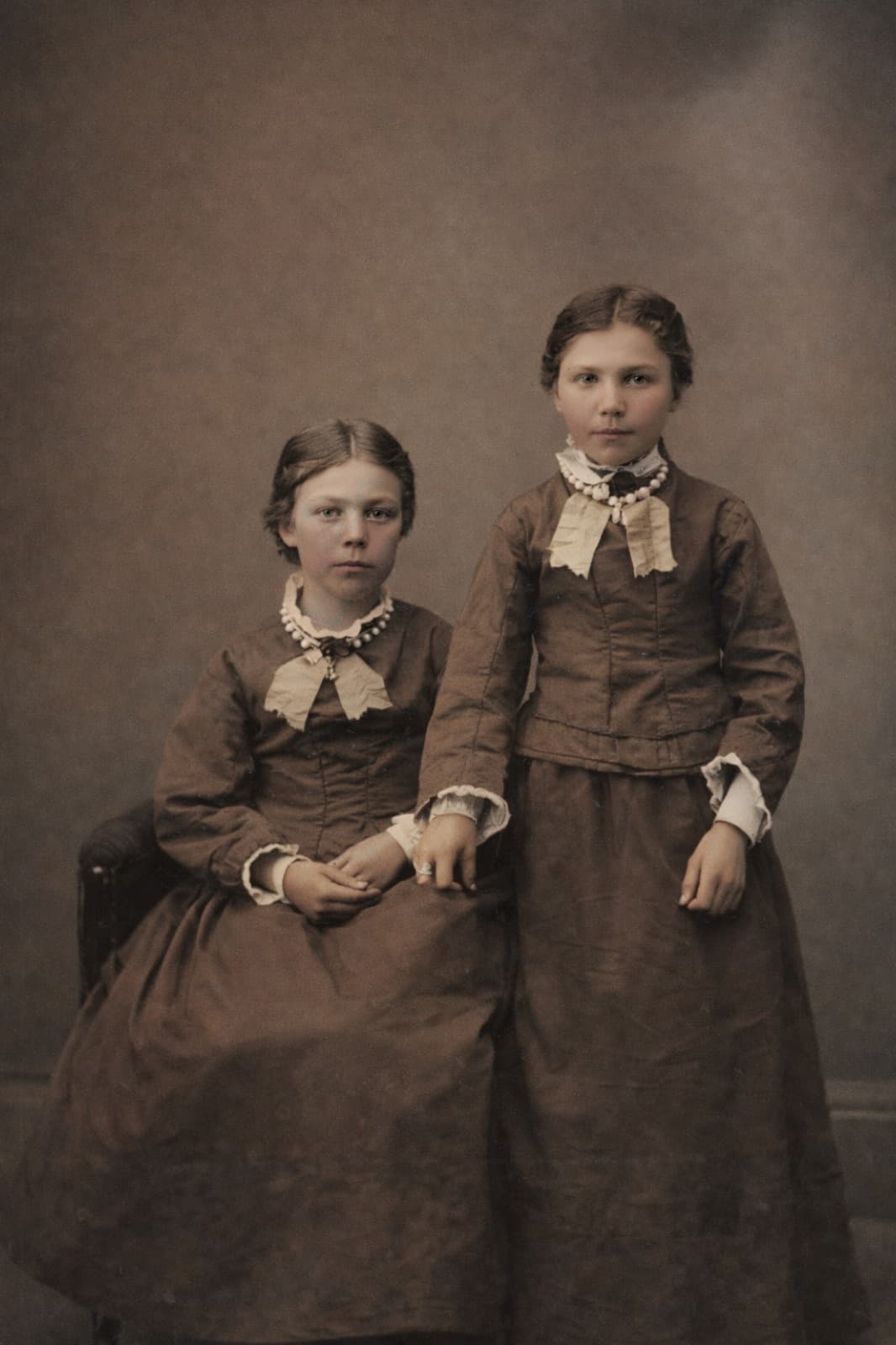
Older photographs have specific tonal qualities that define their authenticity. Aggressively enhancing or colorizing these photos destroys historical character. For pre-1900 photos, use only Enhance Details and Restore Faces — never Colorize or Recreate.
Mistake 2: Opening daguerreotype cases
Daguerreotype cases are sealed for a reason. Opening them accelerates deterioration dramatically. Capture through the case glass instead.
Mistake 3: Assuming the AI knows these formats
Modern AI is primarily trained on 20th-century photos. Results on very old photographs may be less accurate. Set realistic expectations and be conservative with restoration settings.
1900s-1920s: The Victorian and Edwardian Era Mistakes
Mistake 1: Over-colorizing formal studio portraits
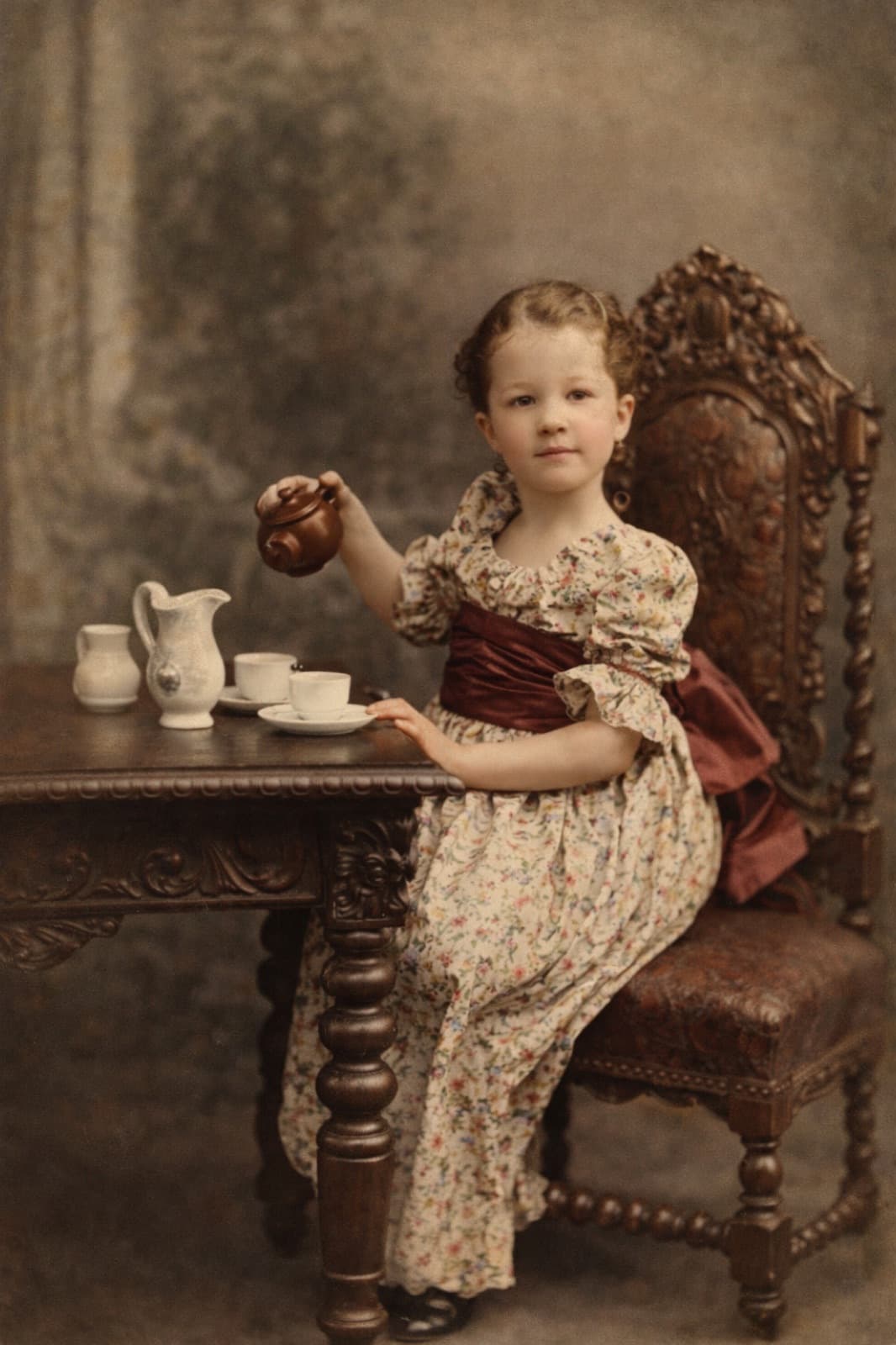
Portraits of this era often have painted studio backdrops (trompe l'oeil scenes). The AI may colorize the backdrop as if it's a real landscape, producing unnatural results. For formal portraits from this era, keep B&W or colorize very conservatively.
Mistake 2: Missing the studio name on the photo
Old cabinet cards and CDVs often have the photographer's studio name printed below the image. This is valuable information for dating and provenance. Don't crop it out during restoration.
Mistake 3: Excessive face restoration
Early 20th century formal portraits have stylized poses and lighting. Aggressive face restoration can make them look unnatural. Use lighter restoration settings.
1930s-1940s: The Depression and War Era
Mistake 1: Fixing "damage" that's actually wear from wartime mail
WWII-era photos often show specific handling damage — fold lines where they were mailed, stains from travel. This wear is historically significant. Balance restoration with preservation of character.
Mistake 2: Colorizing military uniforms incorrectly
AI colorization may pick plausible but historically inaccurate uniform colors. For military photos, research correct colors or leave B&W. WWII US Army uniforms were olive drab, not the various greens AI sometimes chooses.
Mistake 3: Over-enhancing wartime mail photos
Small photos carried through military mail systems are often extensively handled. Aggressive enhancement can over-correct the photo to a point where it looks artificial. Conservative approach is better.
1950s: The Color Transition
Mistake 1: Over-correcting color shift
1950s color photos often have dramatic cyan/magenta shift now. The temptation is to correct all the way to modern color accuracy. This often produces over-saturated, artificial-looking results. Aim for natural but not perfect modern color.
Mistake 2: Treating B&W and color photos the same
B&W from 1950s often needs scratch removal and fade correction. Color from 1950s needs color shift correction and fade. Different workflows.
Mistake 3: Mistaking era-appropriate fashion for photo damage
1950s fashion — elaborate hairstyles, specific dress styles — looks unusual to modern eyes. Don't try to "fix" historical fashion. Preserve authenticity.
1960s-1970s: Mixed B&W and Color
Mistake 1: Not accounting for 1970s magenta shift
1970s color prints have characteristic magenta shift now. Don't try to produce "modern" color — aim for restored but era-appropriate. Colors should look natural without looking 2025.
Mistake 2: Over-enhancing Polaroids
Polaroids have inherent soft focus. Aggressive sharpening can produce unnatural results. Use the Polaroid restoration guide for correct approach.
Mistake 3: Colorizing 1970s-era B&W photos incorrectly
AI colorization picks conservative colors that may not match 1970s fashion (bold patterns, specific color trends). Results can look wrong for the era.
1980s: Big Color Print Era
Mistake 1: Over-correcting "1980s" colors
1980s photos have specific color characteristics — often brighter, more saturated. Don't try to "normalize" these. Keep the 80s feel.
Mistake 2: Not correcting red-eye in indoor flash photos
Early 80s indoor flash photos frequently have red-eye. Enhance Details handles this as part of color correction. Always address red-eye in these photos.
Mistake 3: Missing important detail in group shots
1980s group photos are often 20-50 people shots. Face Restoration handles multiple faces, but individual face quality may vary. Don't assume all faces restored equally.
1990s: Late Film and Early Digital
Mistake 1: Treating disposable camera photos like SLR photos
Disposable cameras have plastic lenses and limited capabilities. AI can improve these significantly but can't overcome optical limitations. See our disposable camera restoration guide.
Mistake 2: Restoring photos that don't need it
Many 1990s photos are in good condition. Don't apply aggressive restoration to photos that only need minor adjustment. Light touch is often correct.
Mistake 3: Converting early digital to print-quality expectations
1998-2005 digital photos are 1-5 megapixels. They can't be upscaled infinitely. For large prints, use 1990s film photos instead if available.
2000s: Early Digital
Mistake 1: Trying to fix severe JPEG compression
Old small JPEGs have irreversible compression artifacts. AI reduces appearance but can't truly restore lost information. Accept limits.
Mistake 2: Working from Facebook-compressed versions
Social media platforms compress uploaded photos. Always source the highest-resolution version available. Don't restore from Facebook downloads.
Mistake 3: Ignoring quality fluctuations
2000s photos vary enormously in quality. Some are 1 MP phone photos; others are 20 MP DSLR photos. Approach each based on its own quality, not an era-specific workflow.
Cross-Era Mistakes
Assuming one workflow fits all
Different eras need different approaches. Don't apply identical restoration to every photo.
Skipping era research
Understanding the era helps restoration decisions. What kind of camera? What kind of paper? What kind of processing? These inform workflow.
Over-colorizing historically significant photos
For photos with archival value, B&W is often appropriate. Colorization is for emotional use, not historical reproduction.
Under-restoring modern photos
Photos from 1990s+ are often in good enough condition that users don't restore them at all. Even 20-year-old digital photos benefit from Enhance Details.
For broader context, see our scanning strategies by era and common restoration mistakes.
Related Reading
- 10 common photo restoration mistakes
- Scanning strategies by era
- How to date old photos
- The ultimate guide to photo restoration
Frequently Asked Questions
Should I colorize all my old black-and-white photos?
No. Colorization makes sense for photos you'll share with family, display prominently, or use for emotional connection. It doesn't make sense for historical/archival photos, heirloom pieces, or very early photography where B&W is historically meaningful. A good rule: colorize what matters for family connection; keep B&W for history.
Can AI tell what era a photo is from and adjust automatically?
Partially, but not reliably. Restory's AI recognizes that old photos have specific characteristics (fading, grain, damage types) and processes them appropriately. But the AI doesn't know that "this is a 1930s photo" and apply era-specific rules. For best results, apply era-aware judgment yourself when choosing which features to run.
What era is hardest to restore well?
Pre-1900 photos and very low-quality 2000s digital photos share this distinction. Pre-1900 photos have physical limitations and fragility that AI can't fully overcome. Very low-quality digital photos lack the data for convincing reconstruction. For both, set realistic expectations rather than trying to force modern results.
Restore your photos with Restory
AI to colorize, repair, and animate old photos. 32 languages, free trial.
Try Restory