
How to Colorize Old Family Photos: A Complete Guide
Learn how to add realistic color to old black-and-white family photos using AI. Tips, techniques, and tools explained.
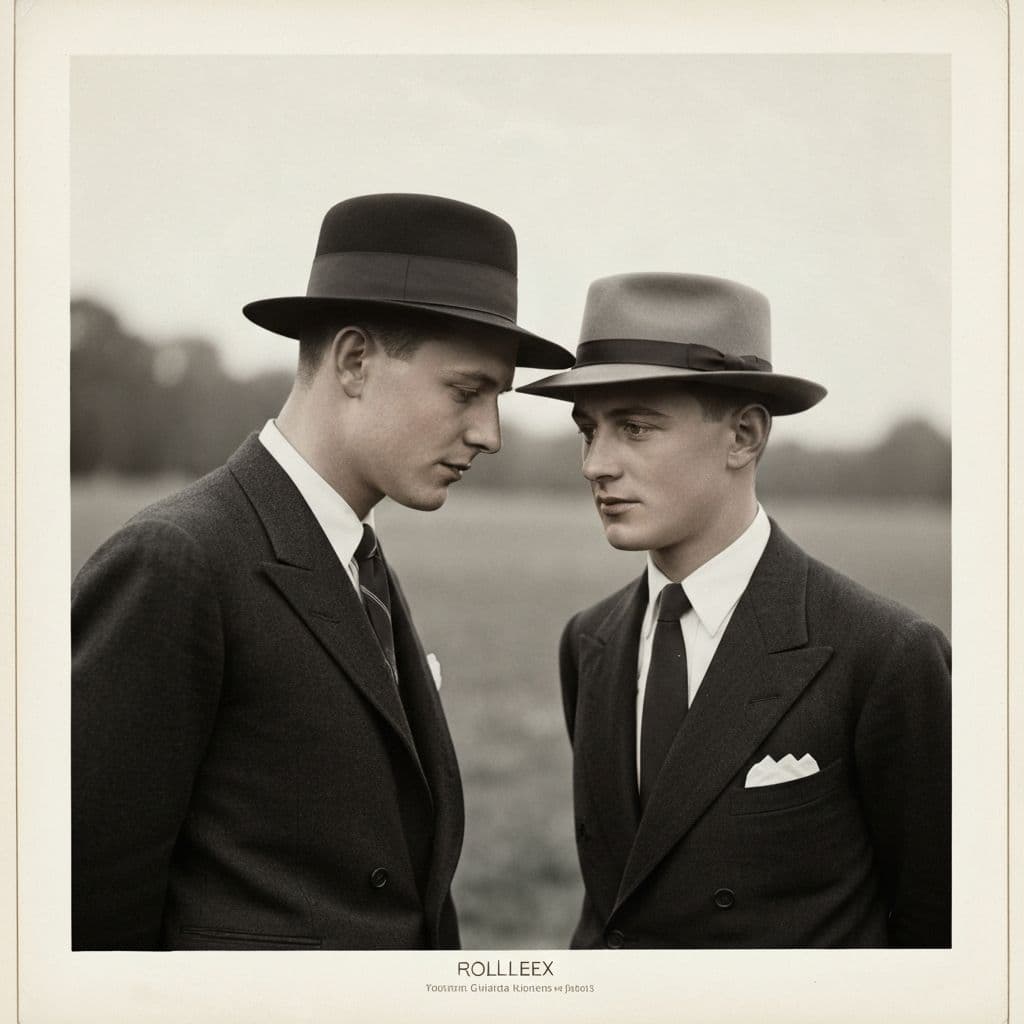
Bringing Color to Generations Past
There is something strange about looking at a black-and-white photograph of someone you love. The person is there, the moment is real, but something feels distant. The absence of color creates a psychological gap between you and the image. Your brain knows that the world was not actually gray in 1943, but the photograph tells you otherwise. That distance makes the past feel further away than it really is.
Colorizing old family photos closes that gap. When you see your grandmother's brown eyes, the green of the trees behind her, and the soft blue of the sky above, the image suddenly feels like a memory rather than a historical artifact. The person in the photograph becomes someone you could have met yesterday.
This guide explains everything you need to know about colorizing old family photos, from understanding the technology to getting the best results with AI-powered tools. Whether you have a single portrait you want to transform or an entire album of black-and-white family history, you will learn how to bring it all to life with color.
For a broader look at all types of photo restoration including colorization, our ultimate guide to photo restoration covers the complete process.
Why Colorize Old Photos?
Before diving into the how, it is worth understanding the why. Colorization is not just a visual novelty. Research in psychology and memory studies suggests that color photographs create stronger emotional connections than black-and-white ones. Our brains process color as a signal of reality. Color images feel present. Black-and-white images feel past.
Colorizing old family photos serves several meaningful purposes:
- Emotional connection. Seeing ancestors in color makes them feel more real and relatable, especially for younger family members who have no memory of them
- Storytelling. A colorized photo of your parents' wedding day or your grandparents' first home adds richness to family narratives
- Gifts. A beautifully colorized portrait of a loved one is one of the most personal, meaningful gifts you can give. Our article about the gift of memories explores this idea in depth
- Heritage preservation. Adding color to historical family images makes them more engaging for future generations who will inherit your family archive
- Social sharing. Colorized photos generate significantly more engagement when shared on social media or in family group chats
How AI Colorization Works
Traditional colorization was a painstaking manual process. Artists would carefully paint color onto each element of a photograph using reference materials, historical knowledge, and artistic judgment. A single photograph could take hours or even days to colorize properly.
AI colorization works fundamentally differently. A neural network trained on millions of color photographs has learned the statistical relationships between grayscale values and likely colors. It understands that skies tend to be blue, that grass is green, that skin tones fall within specific ranges, and that certain textures suggest certain colors.
When you provide a black-and-white photo, the AI analyzes each region of the image, identifies what the objects are (sky, face, clothing, foliage, building), and assigns colors based on what it has learned from millions of examples. The process takes seconds rather than hours.
What AI Gets Right
Modern AI colorization is remarkably good at:
- Skin tones across different ethnicities and lighting conditions
- Natural elements like sky, grass, water, trees, and flowers
- Common materials like wood, stone, brick, and metal
- General clothing colors that are period-appropriate
- Overall color harmony that looks natural and balanced
What AI Cannot Know
It is important to understand that AI colorization produces plausible colors, not historically accurate colors. The AI cannot know:
- The exact color of a specific piece of clothing
- Whether someone had blue or green eyes
- The specific paint color on a house or car
- Whether flowers were red or yellow
The colors the AI chooses are statistically likely and visually natural, but they are interpretations. For most people, this level of accuracy is more than sufficient to transform the emotional impact of a photograph. The image feels alive, even if the exact shade of a sweater might differ from reality.
Preparing Photos for Colorization
The quality of your colorization depends heavily on the quality of your input image. Here is how to prepare your photos for the best possible results.
Start with the Best Possible Scan
- Scan at 600 DPI or higher for prints. Higher resolution gives the AI more information to work with.
- Scan in grayscale or color mode, not black-and-white line art mode. Even in a B&W photo, the scanner captures subtle tonal variations that help the AI.
- Clean the glass and the photo surface before scanning to minimize dust artifacts.
For a detailed guide on scanning techniques, see our article on how to scan old photos for the best quality.
Restore Before You Colorize
This is a critical step many people skip. If your black-and-white photo has scratches, stains, fading, or damage, fix those problems before colorizing. Colorization AI works best on clean, well-preserved images. Scratches and stains can confuse the colorization model, leading to color artifacts around the damaged areas.
The recommended workflow is:
- Remove scratches and stains using dedicated scratch removal
- Restore faces if facial features are blurry or damaged
- Enhance to improve sharpness and contrast
- Colorize as the final step on a clean, restored image
Restory makes this workflow seamless because all four features are available in a single app, and you can apply them in sequence to the same image.
Colorizing Different Types of Family Photos
Different types of photographs present different colorization challenges and opportunities. Here is how to approach each common type.
Formal Portraits
Studio portraits from the early to mid-1900s typically have excellent tonal range and sharp detail, making them ideal candidates for colorization. The AI handles these well because the lighting is controlled and the subjects are clearly visible.
Tips: These photos often have a studio background that the AI will colorize in muted, neutral tones. The results are usually striking because the face receives the most attention from the colorization model.
Group Photos and Family Gatherings
Group photos with multiple people, varied clothing, and complex backgrounds are more challenging but can produce spectacular results. Each person gets distinct skin tones and clothing colors, and the surrounding environment comes to life.
Tips: If results are uneven (some faces more naturally colored than others), the image may benefit from face restoration before colorization to give the AI better facial data to work with.
Outdoor and Landscape Scenes
Photos taken outdoors with natural environments are colorization favorites. The AI excels at adding blue skies, green foliage, and warm earth tones. A black-and-white photo of a family standing in front of their farmhouse transforms dramatically when the fields turn green and the sky turns blue.
Tips: The AI may interpret cloudy skies differently than clear ones. If the sky in your original photo is very bright (overcast), the colorization might lean toward a lighter blue. This is normal and usually looks natural.
Wedding and Event Photos
Wedding photos hold special significance, and colorizing them adds a layer of beauty and presence that black and white cannot match. The bride's dress, the flowers, the venue decorations, all come to life.
Tips: Wedding dresses will typically be colored white or ivory, which is accurate for most eras. Floral arrangements will receive plausible but not necessarily accurate colors.
Getting the Best Colorization Results
Based on extensive experience with AI colorization, here are the practical tips that make the biggest difference in your results.
Tip 1: Contrast Matters
Photos with strong tonal contrast (deep blacks, bright whites, and a full range of grays) colorize better than flat, low-contrast images. If your photo looks washed out or flat, enhance it first to improve contrast before colorizing.
Tip 2: Larger Faces Get Better Color
The AI devotes more processing to larger image regions. Photos where faces occupy a significant portion of the frame tend to get better skin tone results than distant group shots where faces are small. If you have a group photo, consider cropping individual faces for separate colorization if the full-image result is not satisfactory.
Tip 3: Historical Context Helps Your Appreciation
While the AI does not know the exact year of your photo, understanding the era yourself helps you evaluate results. Fashion colors, car colors, and architectural styles varied by decade. The AI generally applies period-appropriate palettes, but knowing that 1940s fashion favored certain colors can help you assess whether the results feel right.
Tip 4: Try Multiple Times
AI colorization involves statistical prediction, and results can vary slightly between attempts. If the first colorization does not look quite right, particularly for clothing or background elements, try again. You may get a variation that feels more natural.
Tip 5: Combine with Other Features for Maximum Impact
The most dramatic transformations come from combining colorization with other restoration features. A scratched, faded black-and-white photo that is first cleaned, enhanced, and then colorized can look like it was taken with a modern camera. The full features suite in Restory is designed to work together in exactly this way.
Colorization as a Family Activity
One of the most rewarding aspects of colorizing old family photos is that it becomes a conversation starter. Sit down with older family members and colorize photos together. They can share memories about the actual colors: "That dress was actually dark green, not blue" or "The house was painted yellow that year." These conversations are priceless, and the colorized photos become richer because they carry those stories with them.
For younger family members, especially children, seeing great-grandparents in color for the first time can spark genuine curiosity about family history. A black-and-white photo might get a glance. A colorized one gets questions: "Who is that? Where were they? What were they like?" That curiosity is how family stories survive.
If you are building a family archive, colorization is a powerful tool for engagement. Our guide on preserving family archives explores more strategies for keeping your family's visual history alive and accessible.
The Emotional Power of Color
There is a moment, every time someone sees a colorized photo of a loved one for the first time, where something shifts. The image is no longer a relic. It is a person. The color removes the temporal distance and creates an immediacy that black and white simply cannot achieve.
A mother seeing her deceased father's eyes in color for the first time. A child seeing their great-grandmother's auburn hair. A couple seeing their grandparents' wedding day as if it were photographed yesterday. These are the moments that make colorization meaningful, and they are the reason this technology matters.
Start Colorizing Your Family Photos
Your family's black-and-white photos are windows into the past that are fogged by the absence of color. AI colorization clears that fog and lets you see the people and moments as they really were, alive and vivid and full of color.
Restory makes colorization easy, affordable, and available in 32 languages. With its coin-based system, colorizing a photo costs just 4 coins, making it one of the most accessible ways to transform your family's visual history.
<!-- cross-links -->Related Reading
Compare in depth:
Other alternatives:
Download Restory and start bringing color to your family memories today. The past has never looked so alive.
Restore your photos with Restory
AI to colorize, repair, and animate old photos. 32 languages, free trial.
Try Restory
