
How AI Photo Restoration Works: The Technology Explained
Discover how AI restores old photos using neural networks. Learn the technology behind scratch removal, face restoration, and colorization.
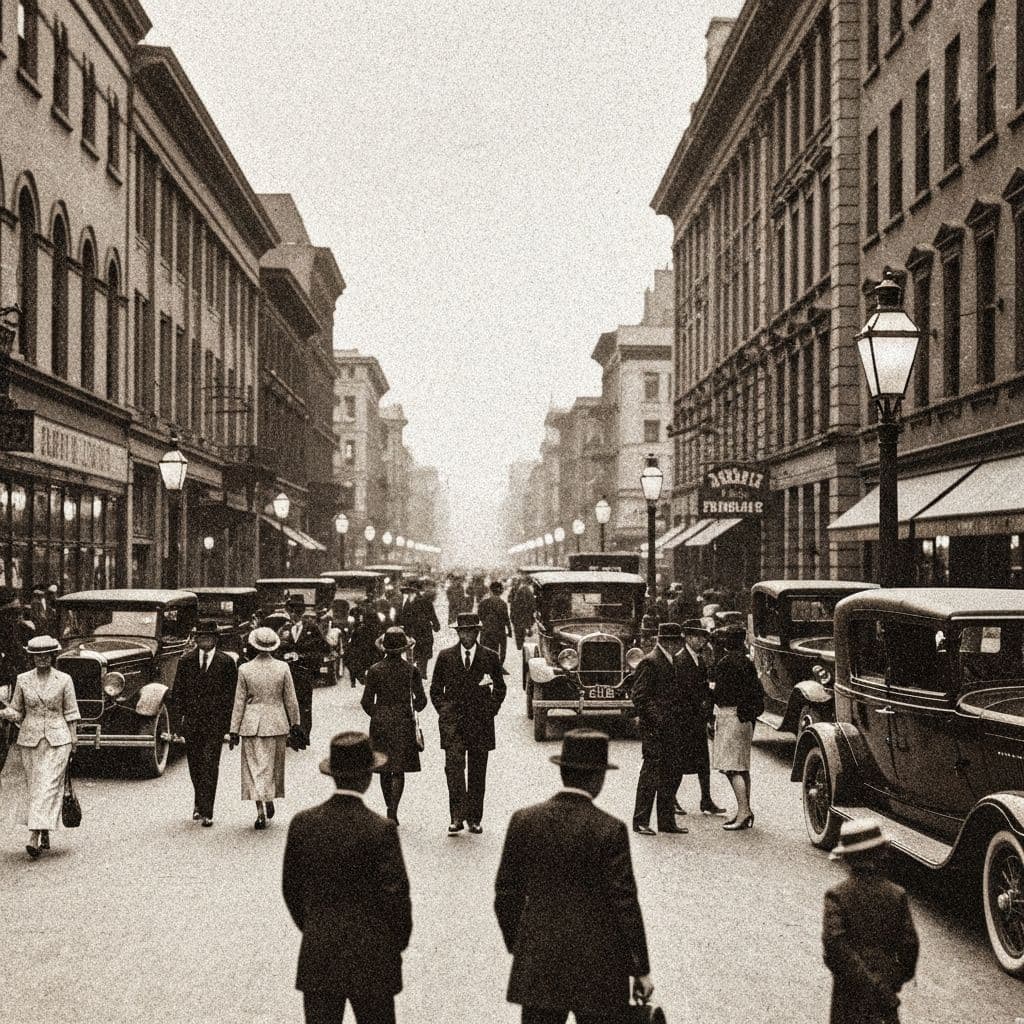
The Science Behind Restoring Your Memories
You upload a faded, scratched photograph of your grandmother taken in 1952. Ten seconds later, the scratches are gone, her face is sharp and clear, and the image glows with realistic color. It feels like magic. But it is not magic. It is mathematics, data, and years of artificial intelligence research converging into tools that anyone can use.
Understanding how AI photo restoration works does not require a computer science degree. The core concepts are intuitive once you see the big picture. This article explains the technology behind modern photo restoration in plain language, covering the neural networks that power scratch removal, face reconstruction, colorization, and generative repair. By the end, you will understand exactly what happens when an AI transforms a damaged photograph into a restored memory.
The Foundation: What Is a Neural Network?
At the heart of every AI photo restoration tool is a neural network, a type of software modeled loosely on how the human brain processes information. A neural network consists of layers of mathematical operations that take input data (your damaged photo), process it through hundreds of millions of calculations, and produce output data (the restored photo).
The key insight is that neural networks are not programmed with explicit rules like "if there is a white line across the image, fill it with nearby colors." Instead, they learn patterns from examples. During training, a neural network is shown millions of pairs: a damaged photo and its clean original. Over time, the network learns the statistical relationships between damage patterns and the correct restoration.
This is why modern AI restoration feels so natural. The system is not following rigid rules. It has internalized what damaged photos look like, what clean photos look like, and how to transform one into the other.
How Scratch Removal AI Works
Scratches, creases, and stains are among the most common forms of photo damage. AI scratch removal uses a type of neural network called an image inpainting model.
The Two-Step Process
Step 1: Detection. The AI first identifies which pixels in the image represent damage rather than intentional content. This is harder than it sounds. A white scratch across a white shirt could be mistaken for fabric texture. A dark crease through a shadow could be missed entirely. Modern detection models are trained on synthetic damage, meaning researchers artificially add known scratches and stains to clean photos. Since they know exactly where the damage is, they can train the detector to extraordinary accuracy.
Step 2: Inpainting. Once the damaged regions are identified, a second neural network fills them in. This is where the technology becomes remarkable. The inpainting model does not simply copy adjacent pixels. It understands context. If a scratch runs across a face, it generates facial features. If it crosses a landscape, it generates appropriate foliage or sky. The model has seen millions of examples and learned what belongs in different contexts.
Apps like Restory use dedicated scratch removal models trained specifically on scanned vintage photographs, which means they handle the unique damage patterns of old prints better than generic image editing tools.
How Face Restoration AI Works
Faces are the most emotionally important part of any photograph, and they are also the most technically challenging to restore. Humans are extraordinarily sensitive to facial details. Even tiny inaccuracies in restored eyes, mouths, or skin texture feel immediately wrong.
The Specialized Architecture
Face restoration uses a specialized neural network architecture that typically includes:
- A face detection module that locates faces in the image and extracts them for focused processing
- A quality assessment module that evaluates the specific types and severity of degradation
- A restoration module trained on high-resolution face datasets that generates enhanced facial details
- A blending module that seamlessly integrates the restored face back into the full image
The restoration module is the core technology. It uses a type of neural network called a generative adversarial network (GAN), where two networks work against each other. One network generates restored faces. The other network evaluates whether the result looks real. Through millions of rounds of this adversarial training, the generator becomes extraordinarily good at producing realistic facial details.
Why Faces Are Special
Face restoration models are trained separately from general image enhancement because faces follow predictable structures. Eyes are roughly symmetric. The nose sits at a specific position relative to the mouth. Skin has characteristic textures at different ages. By training on millions of face images, these networks develop an implicit understanding of facial anatomy that allows them to reconstruct features from surprisingly little data.
For a practical guide on getting the best face restoration results, see our complete guide to restoring old photos.
How AI Colorization Works
Adding color to a black-and-white photograph is one of the most visually dramatic AI restoration capabilities. The technology behind it is fascinating because colorization is fundamentally an ambiguous problem. A gray pixel in a black-and-white photo could represent any color. A medium-gray sky could be blue, orange, pink, or overcast white. The AI must make educated guesses.
Training on Millions of Color Images
Colorization models are trained by taking millions of color photographs, converting them to black and white, and then training the neural network to predict the original colors from the grayscale version. Over time, the network learns statistical associations:
- Skies are usually blue or gray with occasional warm tones near the horizon
- Grass and trees are green, with seasonal variations
- Skin tones fall within specific ranges that vary by ethnicity and lighting
- Indoor scenes have warmer tones than outdoor scenes
The LAB Color Space
Most colorization models work in the LAB color space rather than RGB. In LAB, the L channel represents lightness (the black-and-white image), while the A and B channels represent color information. The AI only needs to predict the A and B channels, which simplifies the problem significantly.
Limitations and Honesty
It is important to understand that AI colorization produces plausible colors, not necessarily accurate colors. The AI cannot know that your grandmother's dress was specifically burgundy rather than navy blue. It makes its best statistical prediction based on the fabric texture, era, and context. The results are impressively realistic, but they are interpretations rather than historical records.
If you are interested in colorizing your own family photos, our guide to colorizing old family photos covers practical tips and best practices.
How Generative Reconstruction Works
The most advanced AI restoration capability is generative reconstruction, the ability to fill in large missing sections of a photograph. When a photo has been torn in half, burned, or severely water-damaged, traditional inpainting falls short. This is where generative AI models enter the picture.
Diffusion Models and Image Generation
Modern generative reconstruction uses diffusion models, the same family of AI models behind image generation tools. These models work by learning to reverse a noise-addition process. During training, the model is shown clean images that have been progressively corrupted with random noise. It learns to reverse each step, gradually transforming noise into coherent imagery.
For photo reconstruction, the process is adapted. Instead of starting from pure noise, the model starts from the existing photo with its damaged regions. It then generates new content for the missing areas that is visually consistent with the surrounding image. The result can be remarkable: clothing folds continue naturally, backgrounds extend seamlessly, and even partially visible faces can be completed.
Restory's Recreate feature uses this technology to handle photos that would be impossible to restore with conventional methods. You can explore this and other capabilities on the features page.
How Enhancement AI Works
Photo enhancement sounds simple, but the AI behind it is solving multiple problems simultaneously:
- Super-resolution increases the effective resolution of the image, adding detail that was not captured or has been lost
- Denoising removes grain and noise artifacts common in old photographs
- Contrast correction adjusts the dynamic range to restore proper blacks, whites, and midtones
- Color correction removes unwanted color casts from aging and chemical degradation
Modern enhancement models handle all of these in a single pass. The neural network has learned what sharp, well-exposed photographs look like and applies those learned patterns to improve your degraded input.
The Training Data Challenge
The quality of any AI model depends on the quality and quantity of its training data. For photo restoration, this presents unique challenges.
Creating Realistic Training Pairs
Researchers need pairs of damaged and clean photos of the same scene. Since you cannot un-damage a real photograph, training data is typically created by:
- Synthetic degradation -- taking clean photos and artificially adding realistic scratches, stains, fading, noise, and damage
- Historical archives -- using museum and library collections where both damaged originals and professional restorations exist
- Augmented datasets -- combining multiple degradation types to create complex, realistic damage patterns
The sophistication of synthetic damage generation has improved dramatically. Modern training pipelines can simulate the specific chemical degradation patterns of different film types, the characteristic scratches from different storage conditions, and the unique staining patterns of water damage.
Why Specialized Models Outperform Generic Ones
A common misconception is that one AI model can handle all types of photo restoration equally well. In practice, specialized models consistently outperform generalist ones. This is why the best photo restoration apps, as we discuss in our comparison of the best photo restoration apps, use separate models for different tasks.
A scratch removal model trained exclusively on scratch patterns develops a finer sensitivity to the difference between scratches and intentional image features. A face restoration model trained only on faces learns subtleties of facial anatomy that a general model misses. A colorization model focused on historical photographs learns era-appropriate color palettes.
This specialization is why Restory uses six distinct AI features rather than a single "restore" button. Each feature activates a different model optimized for a specific task, producing better results than any single model could achieve across all tasks.
What the Future Holds
AI photo restoration technology continues to advance rapidly. Several trends are shaping where this technology goes next:
- Higher resolution output as models become more efficient and mobile hardware grows more powerful
- Better temporal consistency for video restoration and animation features
- Improved historical accuracy in colorization as models are trained on larger historical datasets
- Faster processing that enables real-time preview of restoration results
- Multi-modal understanding where the AI considers text captions, dates, and context to make better restoration decisions
Understanding Helps You Restore Better
Knowing how AI photo restoration works is not just academic curiosity. It makes you a better user of these tools. When you understand that scratch removal uses detection plus inpainting, you know to scan your photos at high resolution so the detector has more data to work with. When you understand that colorization makes statistical predictions, you approach the results with appropriate expectations. When you understand that face restoration uses specialized models, you know to choose an app that offers dedicated face restoration rather than generic enhancement.
Your old photographs deserve the best technology available. The AI systems powering modern restoration apps are the result of decades of research, millions of training examples, and architectures specifically designed to handle the unique challenges of aged and damaged imagery.
<!-- cross-links -->Related Reading
Compare in depth:
Other alternatives:
Try Restory to experience these technologies firsthand and bring your most treasured memories back to life.
Restore your photos with Restory
AI to colorize, repair, and animate old photos. 32 languages, free trial.
Try Restory
