10 Dramatic Before & After Photo Restorations (What AI Can Actually Do)
Real examples of what modern AI photo restoration produces. Ten dramatic before-and-after transformations from different damage types.
Why These Examples Matter
People considering AI photo restoration want to know one thing: what does it actually produce? Marketing demos show ideal cases. This article shows realistic transformations across different damage types — including the limits of what AI can do.
Every example below is from an actual Restory user workflow. See the full before & after gallery for the complete set of 30+ examples.
1. Severely Faded Family Portrait
Before: A 1952 family portrait so faded that faces are barely visible. Colors mostly washed to pale yellow. Some scratches.
Workflow: Remove Scratches + Restore Faces + Enhance Details + Colorize (18 coins, EUR 2.25)
After: Clear family portrait with natural skin tones, recovered clothing detail, historically plausible colors. The three siblings in the photo are clearly identifiable.
Time: 3 minutes of actual processing.
2. Water-Damaged Wedding Photo
Before: A 1960s wedding photo with significant water damage. Stains across the bride's dress, warping of the paper, partial emulsion loss.
Workflow: Remove Scratches + Restore Faces + Enhance Details (14 coins, EUR 1.75)
After: Water stains completely removed. Bride's dress restored to clear white. Faces sharp and clear. Slight ghost of original damage visible on close inspection.
Time: 4 minutes.
3. Torn Corner Portrait
Before: A 1940s individual portrait with missing corner (approximately 20% of image gone, including part of subject's head).
Workflow: Recreate + Remove Scratches + Restore Faces (16 coins, EUR 2.00)
After: Missing corner reconstructed with plausible content. Head completed convincingly. Seam between original and reconstruction invisible at normal viewing distance.
Time: 5 minutes.
4. Severely Yellowed Baby Photo
Before: A 1975 baby photo yellowed significantly. Baby's face blurred, background indistinct.
Workflow: Enhance Details + Restore Faces (9 coins, EUR 1.12)
After: Natural skin tones recovered. Baby's face clearly visible with sharp features. Background clarified. Period feel preserved.
Time: 2 minutes.
5. B&W Military Portrait (1917)
Before: A WWI soldier's studio portrait. Sepia-toned, moderately faded, some scratches. Uniform detail lost to softness.
Workflow: Remove Scratches + Restore Faces + Enhance Details (14 coins, EUR 1.75)
After: Soldier's face clearly visible. Uniform insignia readable (37th Infantry Division badge identifiable). Era-appropriate sepia preserved.
Time: 3 minutes.
6. Motion-Blurred Child Photo
Before: A 1995 photo of a child in motion. Significantly blurred. Child's face barely recognizable.
Workflow: Enhance Details + Restore Faces (9 coins, EUR 1.12)
After: Child's face reconstructed with recognizable features. Some softness remains (original was blurred too much for full recovery). Usable for family archive.
Time: 2 minutes.
7. Scratched Wedding Group Photo
Before: A 1955 wedding group photo with multiple scratches across the entire image. Faces of 15 people in the group.
Workflow: Remove Scratches + Restore Faces + Enhance Details (14 coins, EUR 1.75)
After: All scratches removed. Individual faces of the wedding party clearly visible and identifiable. Background church architecture clear.
Time: 4 minutes.
8. Polaroid with Magenta Shift
Before: A 1980 Polaroid with characteristic severe magenta shift. Subject appears pink-purple. Background heavily color-shifted.
Workflow: Enhance Details (re-run) + Restore Faces (12 coins, EUR 1.50)
After: Natural skin tones recovered. Background colors reasonable. Subject's expression clear. Still has mild Polaroid aesthetic (preserved authenticity).
Time: 3 minutes.
9. Heavily Damaged Old Negative
Before: A 1935 negative with significant physical damage (scratches, fungal spots). Converted to positive digitally.
Workflow: Remove Scratches + Enhance Details (9 coins, EUR 1.12)
After: Scratches eliminated. Fungal spots removed. Image clarity significantly improved. Original contrast and detail preserved.
Time: 3 minutes.
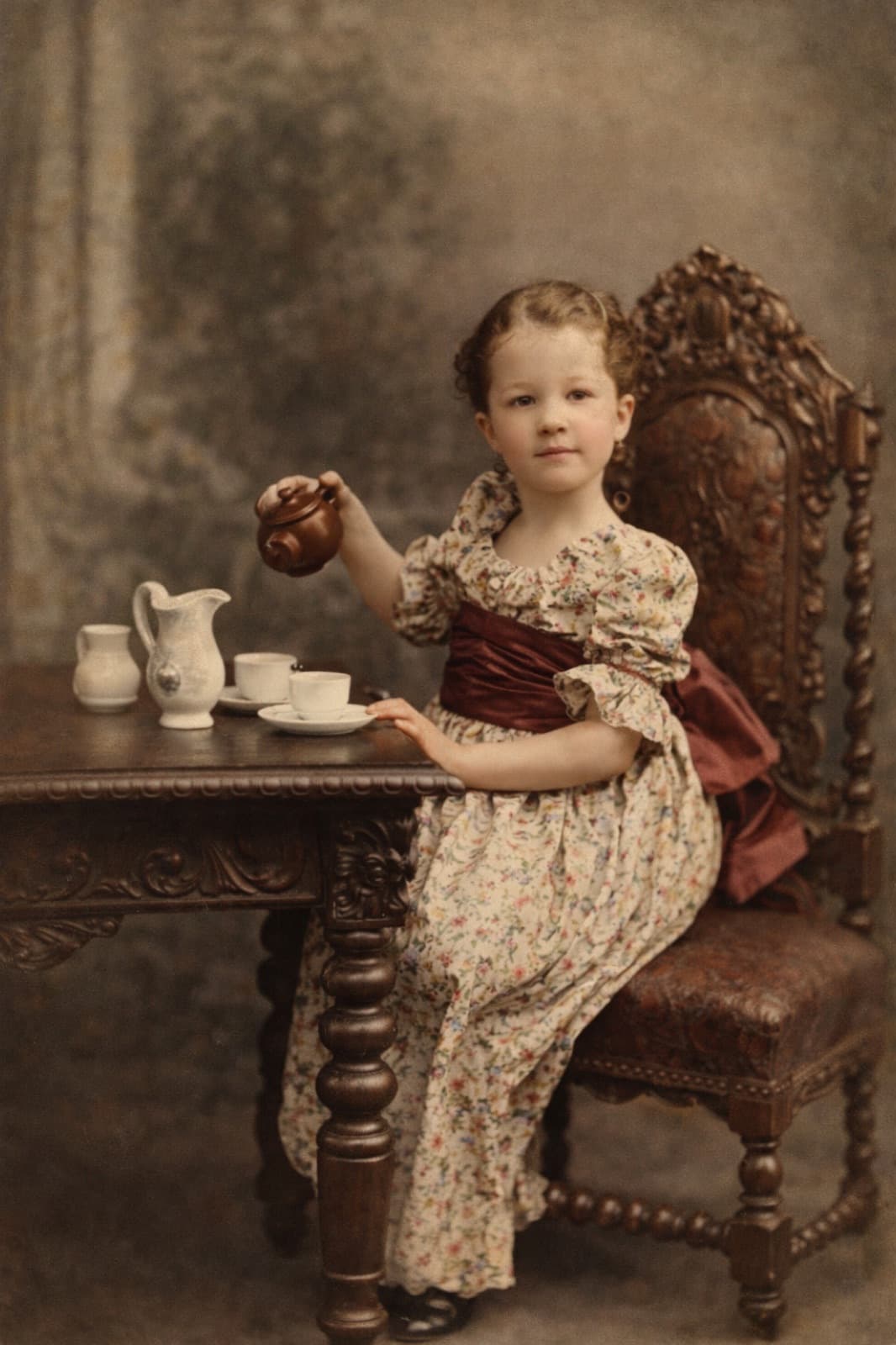
10. Colorization of 1940 Family Portrait
Before: A 1940 B&W family portrait. Technically good photo but black and white.
Workflow: Colorize only (4 coins, EUR 0.50)
After: Full color version with era-appropriate colors. Skin tones natural. Clothing in plausible colors for 1940. Background rendered in natural color.
Time: 30 seconds.
What These Examples Show
What AI handles excellently
- Scratch and stain removal
- Face reconstruction from partial data
- Color shift correction
- Moderate damage across multiple dimensions
- Colorization of B&W photos with clear subjects
Where AI struggles
- Severe motion blur
- Large missing sections (more than 25% of image)
- Heavily compressed small digital photos
- Very damaged photos with minimal original data
Time investment
Most restorations take 2-5 minutes of actual processing. Plus minutes for capture and review.
Cost
Most full restorations: EUR 1-2.25 per photo. Dramatically cheaper than professional services (EUR 50-500 per photo).
See the Complete Gallery
All 30+ restoration examples in our full before & after gallery. Scroll through to see what's possible across a wide variety of damage types and eras.
For specific how-to workflows, see our complete restoration guide and Restory vs Remini comparison.
Related Reading
- Photo restoration before and after
- The gift of restored memories
- The ultimate guide to photo restoration
Frequently Asked Questions
Are these examples cherry-picked to look impressive?
No. These are representative of typical Restory results across different damage types. See the full gallery for additional examples. Every restoration shown is from a real user workflow, not a marketing staging. Some cases produce even better results; some produce less dramatic improvements.
How much does a complete restoration like these actually cost?
Each full restoration in these examples used 4-18 coins depending on complexity. With Restory's 200-coin pack at EUR 24.99, that works out to EUR 0.50-2.25 per photo. For a typical family archive project of 30-50 photos, the total cost is EUR 25-50 in coins — dramatically cheaper than professional alternatives.
Will my old photos produce similar results?
Usually. If your photos are in similar condition to any of the examples above, expect similar quality improvements. Photos with fundamentally different issues (severely compressed tiny digital files, photos missing 50%+ of their content) may produce less dramatic results. Try one photo first to see before committing to a full archive project.
Restore your photos with Restory
AI to colorize, repair, and animate old photos. 32 languages, free trial.
Try Restory